Bulk User Import
Standing up clearPath at a new facility means loading dozens or hundreds of auditors and the full HCP roster they observe. Doing that one form at a time is the friction that kills go-lives. clearPath's bulk import handles it in a single CSV upload — users, roles, facility assignments, HCP categories, and unit memberships in one pass.
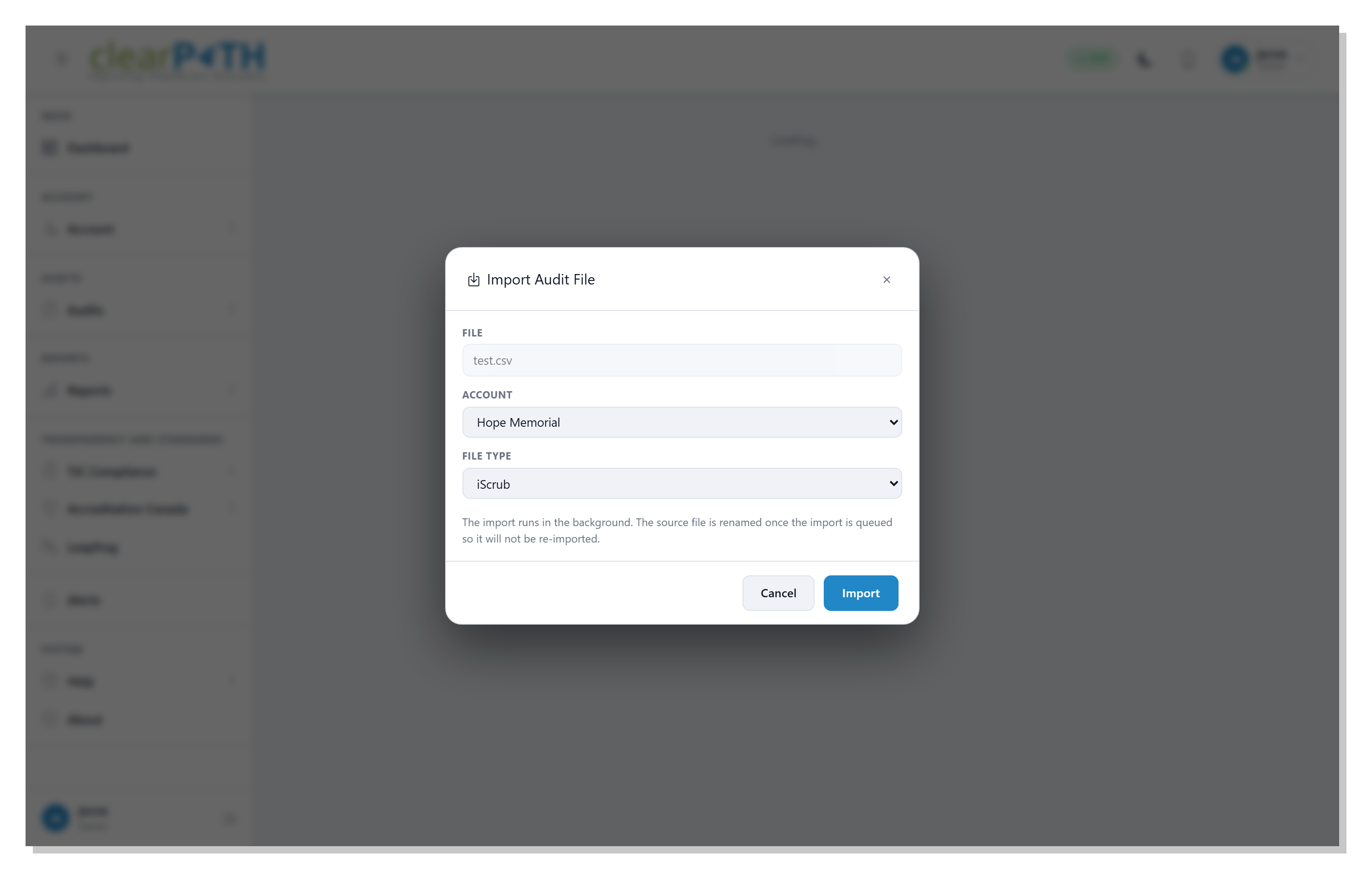
The import is preview-first. Upload the CSV and clearPath shows you a row-by-row summary of what it will do: which records are new, which are updates, and which fail validation. Nothing is committed until you confirm. Failed rows come back with a per-row explanation so you can fix and re-upload only what's broken.
Request for Information Compare EditionsKey Benefits
- Single-CSV upload
- Users, HCPs, units, and assignments
- Preview-first — nothing commits silently
- Per-row validation messages
- Add or update in the same upload
- Role and facility assignments inline
- Re-upload only the rows that failed
- Full audit trail of every import
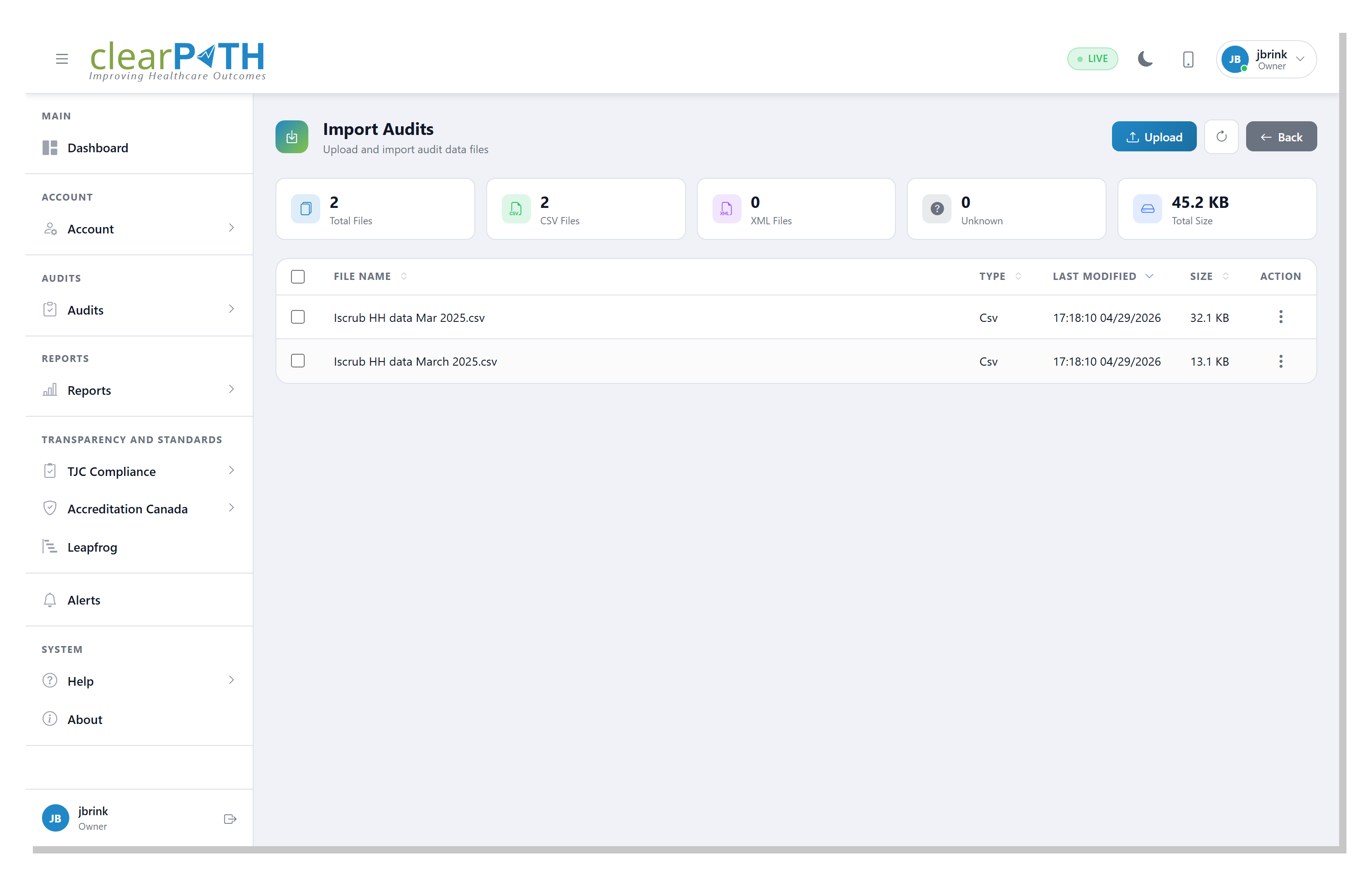
The Import Run List
Every import run shows up on the import list page with the source filename, who uploaded it, when, how many rows succeeded, and how many failed. The list is the historical record of every onboarding event — useful for auditing who added which user, and for re-running an import if a previous attempt was cancelled.
- Chronological record of every import run
- Success / failure counts at a glance
- Drill into any run for full row detail
- Cancel and rerun supported
Row-by-Row Preview
Drill into any import run to see what clearPath will (or did) do for each row of the source CSV. New records are flagged separately from updates; rows that fail validation come back with a clear per-row reason so the team knows exactly what to fix. Confirmed runs commit atomically — either every valid row lands or none of them do.
- Per-row preview before commit
- Distinct flags for new vs. update
- Validation messages tied to source row number
- Atomic commit on confirmation
Onboard a Facility in Minutes, Not Weeks.
Available on Enterprise and Ultimate editions. Bulk import is included at no additional cost.
Request for Information Compare Editions