clearPath, in Your Team’s Language
clearPath now ships in five languages out of the box — English, Español, Français, Deutsch, and Nederlands. The choice can be made on the sign-in screen, set as a default by an account administrator, or saved per user in their profile. Each user is remembered between visits, so a French-speaking nurse on a shared kiosk lands in French without ever touching the picker again.
Designed for cross-border hospital groups, bilingual Canadian sites preparing for Accreditation Canada / Agrément Canada surveys, and European deployments where staff expect to work in their first language.
Request for Information Compare EditionsKey Benefits
- Five languages ship in the box
- English — Español — Français
- Deutsch — Nederlands
- Native-name picker on the sign-in screen
- Account-level default language
- Per-user override on the profile
- Browser-language auto-detect on first visit
- Remembered between visits
- Opt-in per deployment — no surprise change
Three Ways to Land in the Right Language
The language picker sits at the bottom of the sign-in screen so a user on a shared device can switch before signing in. Once signed in, the system remembers their preference. Administrators set the Default UI Language on the account profile to pre-select a language for everyone in that tenant, and each user can override the account default on their own profile. Users who have never explicitly picked a language are matched against their browser’s preferred-language setting — so a French-language Chrome installation gets a French clearPath without any clicks.
- Login-screen picker shows native names (Español, Français, …)
- Account profile → Default UI Language
- User profile → Language dropdown overrides the account default
- Browser
Accept-Languagedrives first-visit fallback - Preference persists in the user record, not the cookie
Where It Lights Up
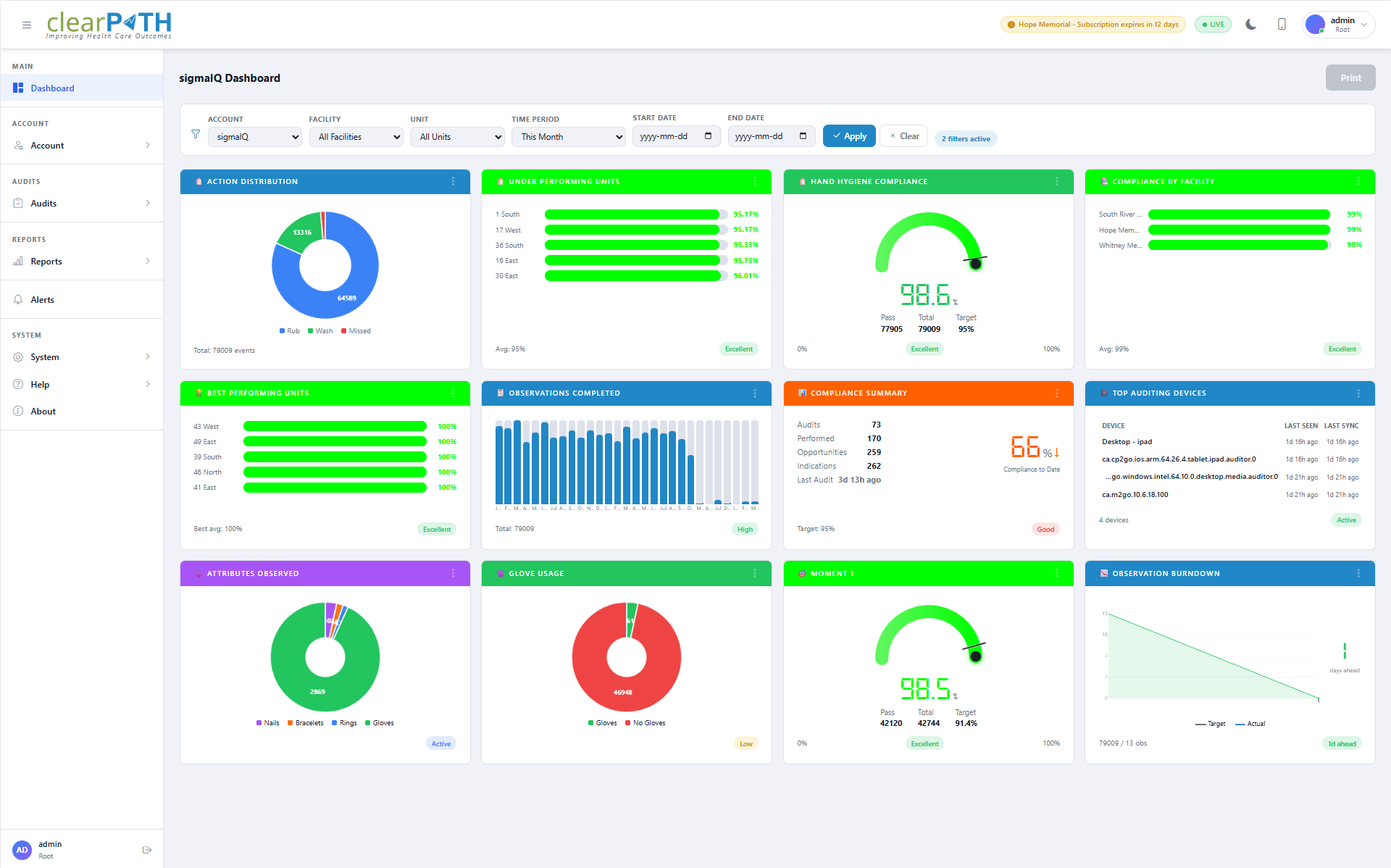
The login screen, sidebar navigation (every menu and submenu), top header (profile menu, status indicators, sign-out), the dashboard header and filter bar with all 65 widget titles, and the most-used list and detail pages — Users, Facilities, Custom Audit Sessions, Reports, Login Sessions, User profile, and Account profile — are translated end-to-end.
The feature ships disabled by default so existing customers see no change unless they choose to enable it. A system setting turns it on for a deployment, and a Default UI Language picks the system-wide fallback. Remaining list and detail pages continue to render in English while the translation sweep continues — we’d rather ship a clean, partial translation than a confusing, half-machined one.
Localized where it matters most.
Every-day auditing — logging in, picking a session, recording observations, scanning the dashboard, opening a report — in the language your staff already think in. Better data, faster onboarding, no translation cost from us.
Request for Information Compare Editions