Security & Trust
clearPath runs in healthcare environments that store protected health information, so it is built and maintained with a defence-in-depth posture. Security is not a single feature — it is layered across the whole platform, from how every release is tested before it ships to how passwords are stored, how accounts are protected, and how abusive traffic is stopped at the door.
This page summarises the controls your IT and security teams will want to see before clearPath touches your network.
Request for Information Compare EditionsKey Benefits
- Penetration-tested every release
- Two-factor authentication
- Passwords never stored in plain text
- Request rate and connection limits
- Automatic failed-login blocking
- Manual and time-limited IP blocks
- Live geographic threat map
- Security events in the activity log
Tested Before It Ships
Every release of clearPath is reviewed against a healthcare-compliance security checklist that combines source review with targeted dynamic probing. Findings are tracked through remediation and retested before the release goes out, so security is part of the release process rather than an afterthought.
- Authentication — password strength, two-factor, reset flows
- Sessions & tokens — lifetime, idle timeout, logout behaviour
- Authorization — privilege escalation and cross-tenant isolation
- Input handling — injection, scripting, traversal, file uploads
- Transport — HTTPS, certificate validation, security headers
- Observability — security events captured for review
Layered Account Protection
A stolen password alone is not enough to reach an account. clearPath supports time-based two-factor authentication, which administrators can require for specific users, and a text-message (SMS) code option for staff without an authenticator app. Passwords are never stored in plain text and are never visible to anyone — including administrators — because clearPath keeps only a one-way protected form created with a modern key-derivation function.
- Time-based one-time-password (TOTP) two-factor
- Optional SMS delivery of the second-factor code
- Two-factor can be required per user account
- Passwords protected with modern key derivation
- Forgotten passwords are reset, never retrieved
Rate Limiting & Auto-Blocking
clearPath tracks request volume per client and enforces per-second, per-minute, and concurrent-connection limits tuned for normal dashboard traffic. Bursts and sustained scraping are rejected until the window resets, and repeat offenders are added to the blocked list automatically. Too many failed sign-ins from one address within a short window also triggers an automatic block that an administrator must lift.
- Per-second and per-minute request caps
- Concurrent-connection limit per client
- Automatic blocking of repeat offenders
- Failed-login lockout within a rolling window
See and Stop Threats
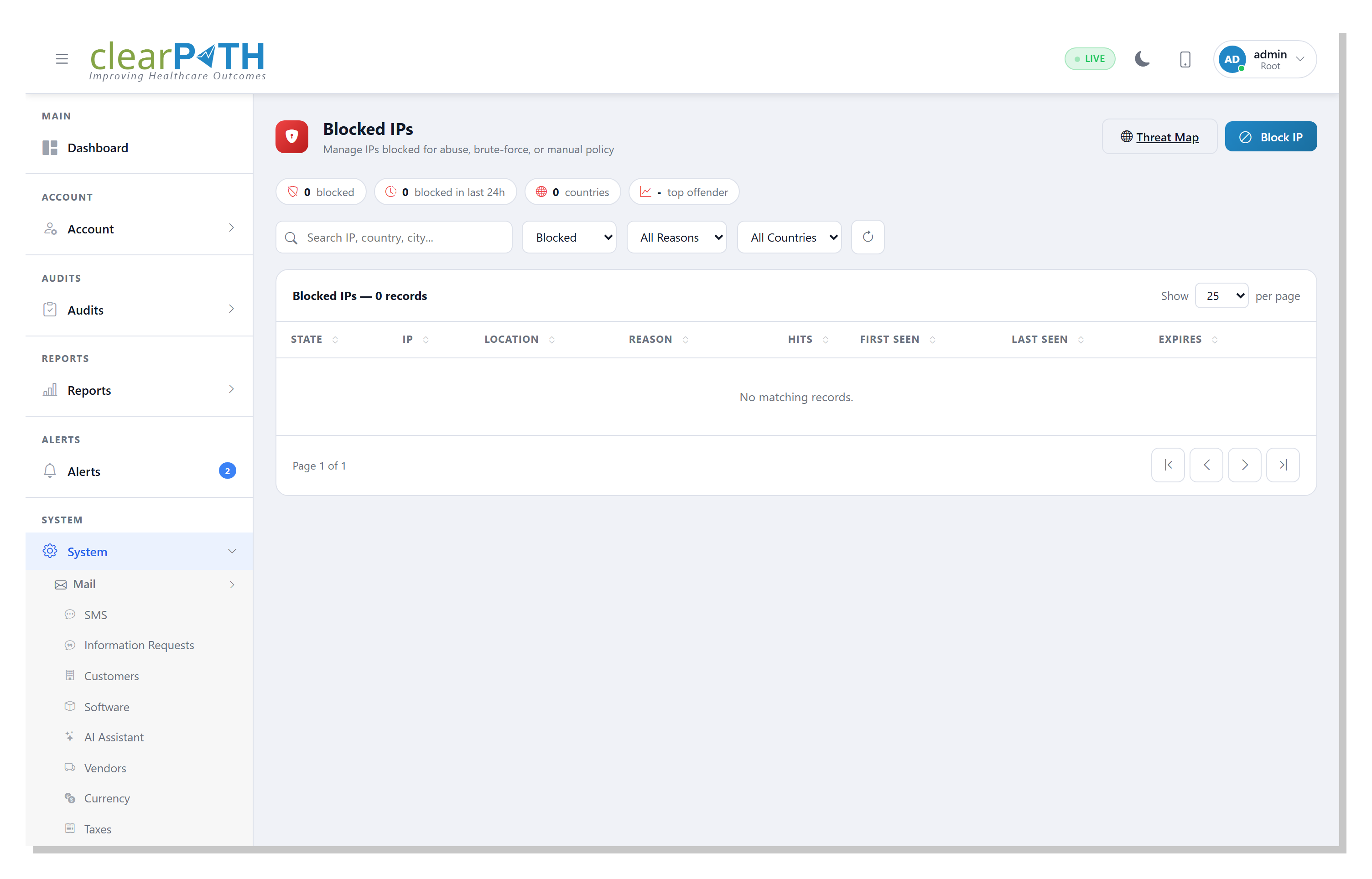
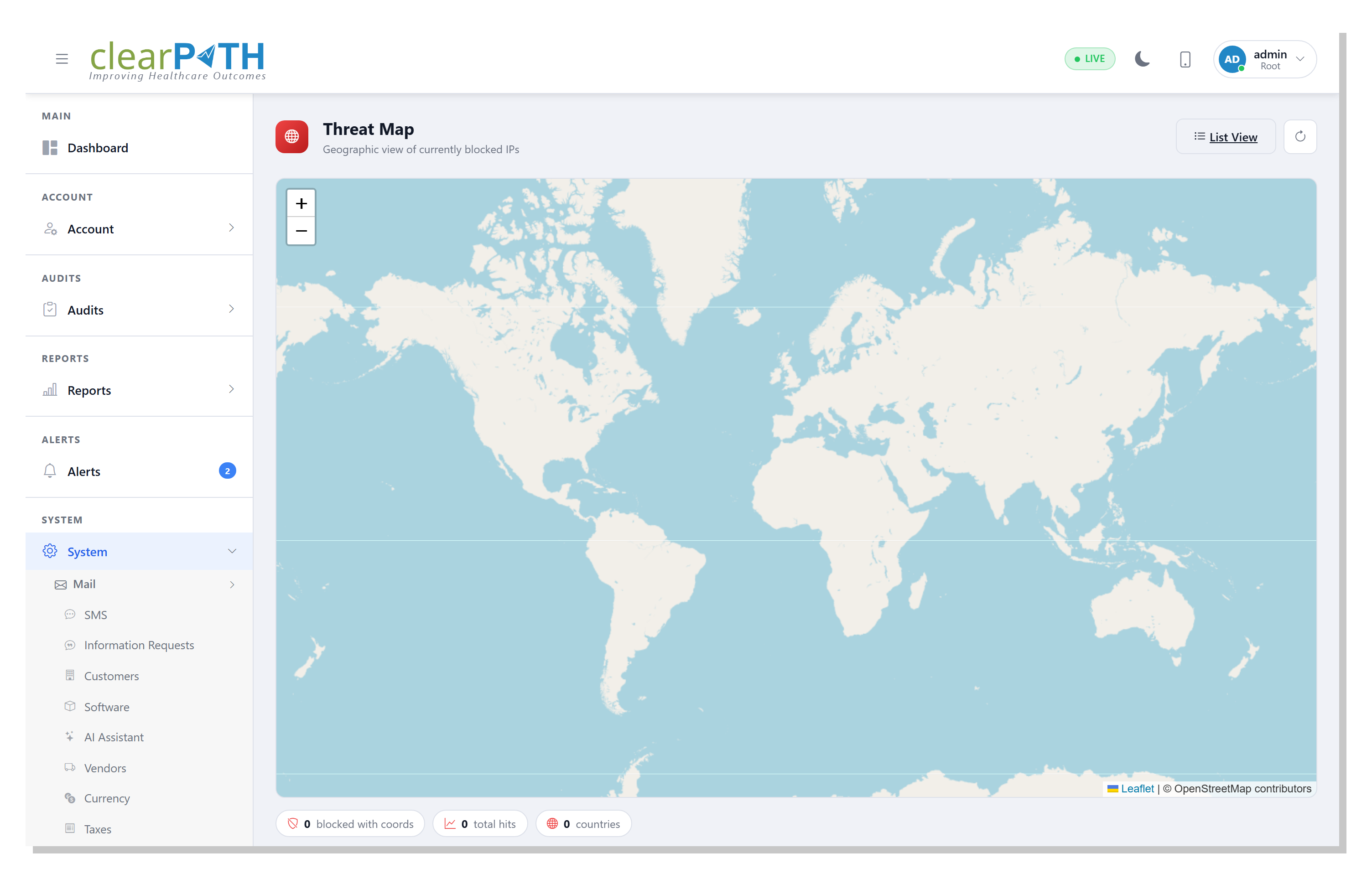
The Blocked IPs page lists every address clearPath has blocked, with the reason, location, hit count, and when the block expires. Administrators can search and filter the list, block an address manually for a fixed duration or permanently, and unblock legitimate traffic. The companion Threat Map plots the same blocked addresses geographically, so a coordinated probe from one region is obvious at a glance.
- Every blocked IP with reason, location, and expiry
- Filter by state, reason, and country
- Block manually for an hour, a week, or permanently
- Unblock or re-block from the row menu
- Geographic threat map of active blocks
Approved by IT. Trusted with PHI.
Security is built into every clearPath edition. Bring your security team to the conversation — we welcome the review.
Request for Information Compare Editions