Units
A unit in clearPath is a subdivision of a facility — a patient-care area, department, or ward. Units are the level at which auditing actually happens, and they're the lens through which every dashboard, report, distribution, and challenge eventually scopes its data. Set them up once and the rest of the application takes it from there.
Every clearPath edition supports unlimited units. Whether you're running a single ward in a community hospital or hundreds of patient-care areas across a multi-site network, clearPath rolls them up the same way: unit feeds facility, facility feeds corporation, and the same configuration drives reports, scorecards, and the live dashboard.
Request for Information Compare EditionsKey Benefits
- Unlimited units on every edition
- Reportable vs. non-reportable distinction
- Per-unit color, abbreviation, and department code
- Per-unit audit schedule and reminders
- Audit-lockout history per unit
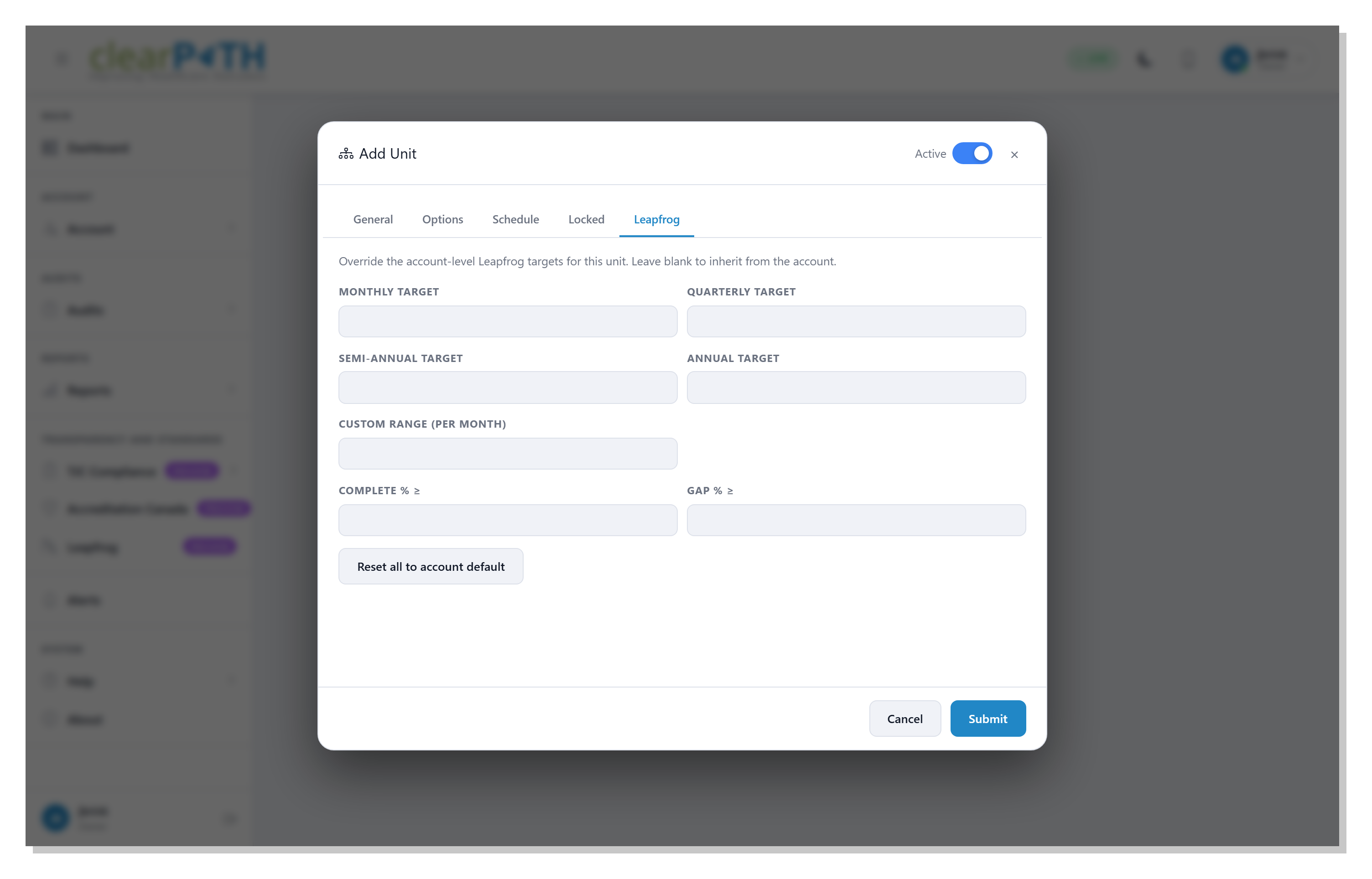
- Per-unit Leapfrog target overrides
- Unit assignments drive role-based scoping
- Aggregates roll up to facility and corporation
The Unit Editor
Every unit carries its configuration on a tabbed editor. The General tab covers the basics — the parent facility, the area name, a four-character abbreviation, optional department labels, the unit type (reportable or non-reportable), and the chart color the unit uses on dashboards and reports. Subsequent tabs layer on the operational settings.
- General — facility, name, abbreviation, color, type
- Options — per-unit toggles including active and locked state
- Schedule — audit cadence and reminder emails
- Locked — audit-lockout periods for the unit
- Leapfrog — per-unit overrides for Leapfrog targets (when licensed)
How clearPath Uses Units
Units aren't just an organizational nicety — they're the scoping primitive every other feature reads from:
- Dashboards — every widget can rescope to a single unit, a group of units, or roll up to facility level
- Reports — every report style filters by unit; rollups respect reportable vs. non-reportable
- Audits — every observation is captured against a specific unit, automatically
- Distributions — scheduled reports can be unit-scoped per recipient
- Challenges — unit-vs-unit improvement contests over a defined period
- Roles — role-based permissions can be restricted to a specific unit set
- Targets — compliance targets can override at the unit level
- Notifications — reminder emails fire per unit when an audit is overdue
Schedule & Reminders
Each unit can carry its own audit schedule: how many audits are expected in a given period, how many have been completed against that target, and whether clearPath should email the unit's contacts when the unit falls behind. Falling-behind reminders are configurable per unit, so a high-acuity unit can be on a weekly cadence while a low-volume clinic stays on a monthly one — without anyone having to track the calendar manually.
- Per-unit audit-volume targets
- Live progress toward the target
- Plus/minus indicator (ahead or behind)
- Last-audited date per unit
- Optional reminder emails when behind
- Per-unit recipient list for reminders
Set Up Once. Scope Everything.
Available on every clearPath edition. Unlimited units, included at no additional cost.
Request for Information Compare Editions